

A laser cutter is a valuable business investment, and its performance and lifespan directly affect your productivity and cost-efficiency. Many users neglect daily maintenance, leading to frequent breakdowns, reduced cutting precision, and shortened equipment life. Regular maintenance can significantly extend your laser cutter’s service life by more.
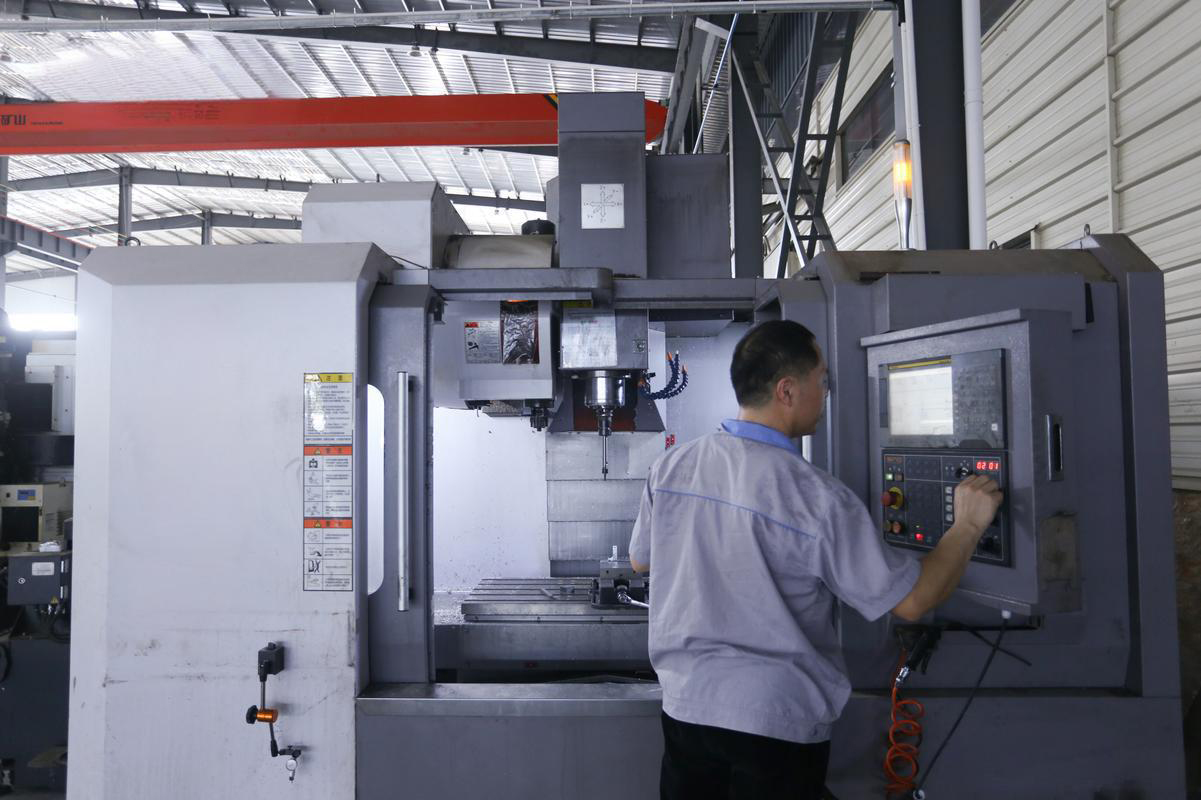
Step 1: Clean Optics (Lenses & Mirrors) – Safeguard Laser Precision
Your laser’s optics (lenses and mirrors) focus and direct the laser beam. Even tiny dust particles or smoke residue can scatter the laser, reducing cutting accuracy and damaging the optics over time. This is the most important daily maintenance task.
How to Do It:
-
Power off and cool down: Always turn off the laser cutter and wait for the optics to cool fully before cleaning (prevents burns and damage).
-
Use the right tools: Prepare lint-free microfiber wipes and 99% pure isopropyl alcohol (avoid low-purity alcohol, which leaves residues).
-
Clean mirrors: Gently wipe the mirror surface in one direction (no back-and-forth scrubbing) with a dampened wipe. Replace the wipe if it gets dirty to avoid scratching.
-
Clean the focusing lens: Remove the lens from its holder (follow your machine’s manual to avoid dropping it). Wipe carefully in a circular motion with a clean, dampened wipe. Inspect for scratches—if damaged, replace immediately (scratched lenses can’t be repaired).
-
Reassemble: Securely put the lens back into the holder (loose lenses affect focus).
Key Tips:
-
Clean optics at the end of each workday, especially if cutting smoke-heavy materials (e.g., leather, acrylic).
-
Never touch optics with your fingers—skin oils cause permanent damage.

Step 2: Inspect & Clean the Cutting Area – Stop Dust Buildup
Dust, debris, and material scraps build up in the cutting area daily. This can block air vents, damage linear guide rails, and even cause fires (especially with flammable materials like wood or paper).
How to Do It:
-
Remove large debris: Use a brush or vacuum to clean scraps and dust from the cutting table, machine interior, and around the laser head.
-
Clean linear guide rails: Wipe the rails (where the laser head moves) with a lint-free cloth, then apply a small amount of manufacturer-recommended lubricating oil (too much oil attracts dust).
-
Check air assist nozzles: If your machine has an air assist system, clean the nozzle to remove dust or molten material buildup. Blocked nozzles reduce airflow, causing charred cuts and heat damage.
Key Tips:
-
Don’t use water to clean the cutting area (it can damage electrical components).
-
Use a sacrificial board under workpieces to reduce debris on the main cutting table.
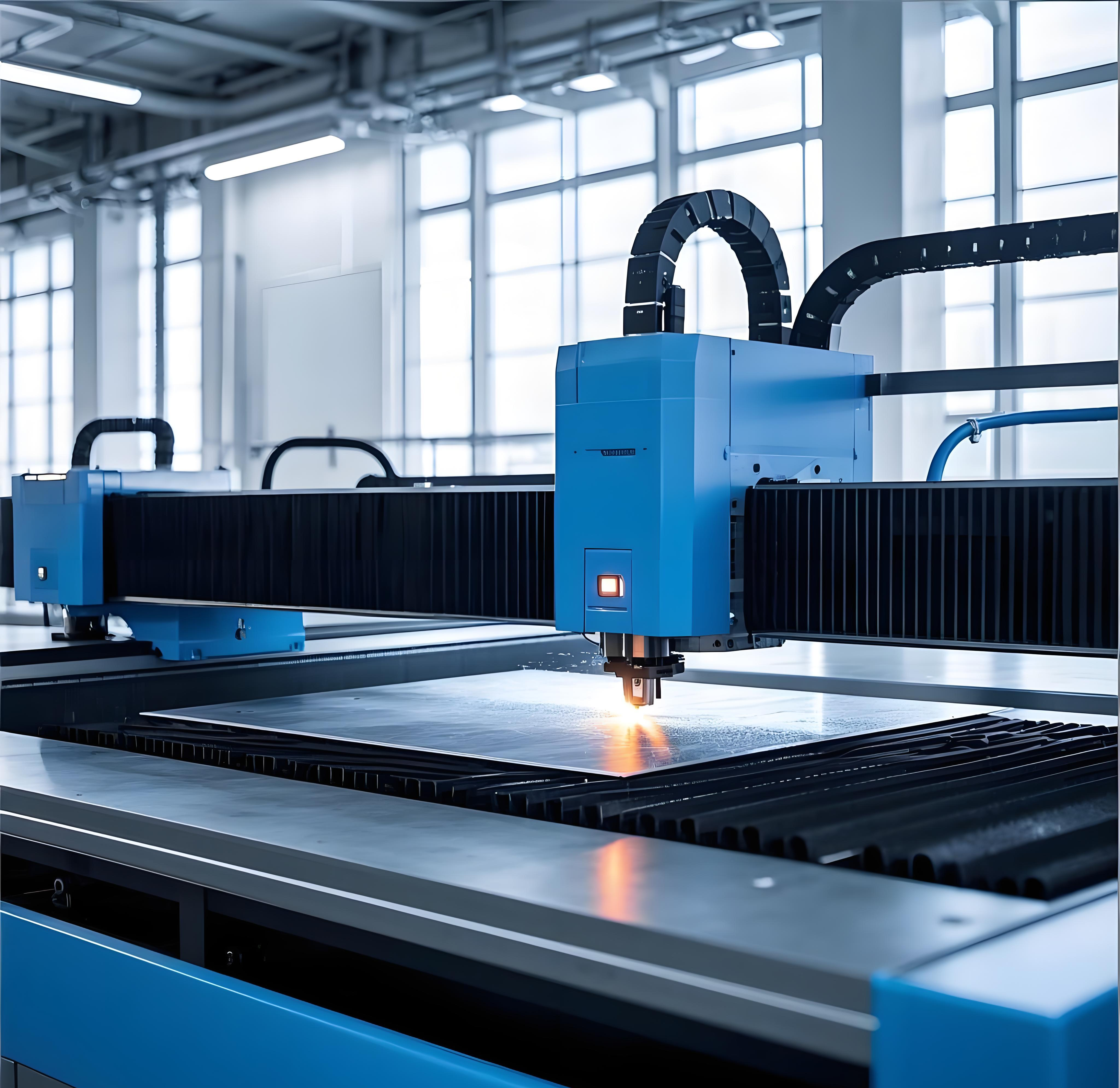
Step 3: Check the Cooling System – Ensure Stable Operation
Laser cutters (especially CO₂ and fiber lasers) generate significant heat during operation. The cooling system (water chiller or fan) keeps the laser tube and other components at a stable temperature. A faulty cooling system can overheat the laser tube, shortening its life or causing immediate failure.
How to Do It:
-
Check coolant level: For water chillers, ensure the coolant is between the "MIN" and "MAX" marks. Top up with deionized water (CO₂ lasers) or manufacturer-recommended coolant (fiber lasers) if needed.
-
Inspect coolant quality: Coolant should be clear, with no discoloration or sediment. If cloudy or dirty, drain and replace it (follow your machine’s manual for draining steps).
-
Check for leaks: Look for coolant leaks around hoses, connections, and the chiller. Tighten loose connections or replace damaged hoses immediately.
-
Verify chiller settings: Ensure the chiller temperature is set to the manufacturer’s recommended range (typically 20-25°C for CO₂ lasers). Adjust if off and monitor for stability.
Key Tips:
-
For water-cooled machines, replace coolant every 3-6 months (more often in dusty environments).
-
In cold climates, use antifreeze coolant in winter to prevent pipe freezing.

Tips: 5-Minute Weekly Quick Check
In addition to daily maintenance, a 5-minute weekly check can further extend equipment life:
-
Inspect power cords and cables for damage (frayed cables are a safety hazard).
-
Check the exhaust system for blockages (ensure smooth airflow to remove smoke and fumes).
-
Test the emergency stop button to ensure it works (critical for safety).
Final Summary
Integrating these simple tasks into your daily workflow protects your investment, reduces downtime, and ensures consistent cutting performance. For model-specific maintenance tips, refer to your manufacturer’s manual or contact our technical support team.
